Login
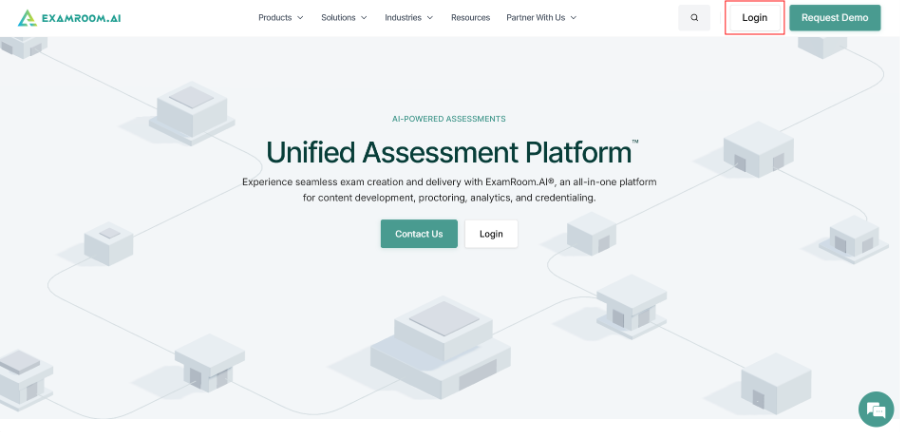
- Visit app.examroom.ai to log in to the candidate console. You can also go to examroom.ai and click Login in the top-right corner of the page.
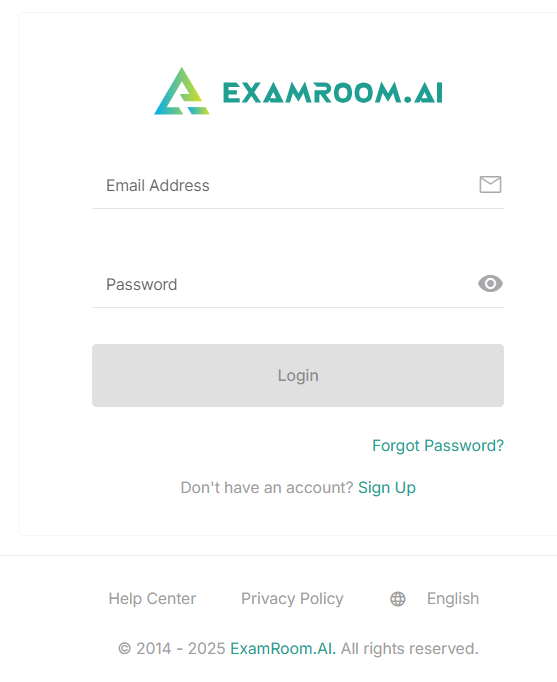
- Enter your credentials and click Login.
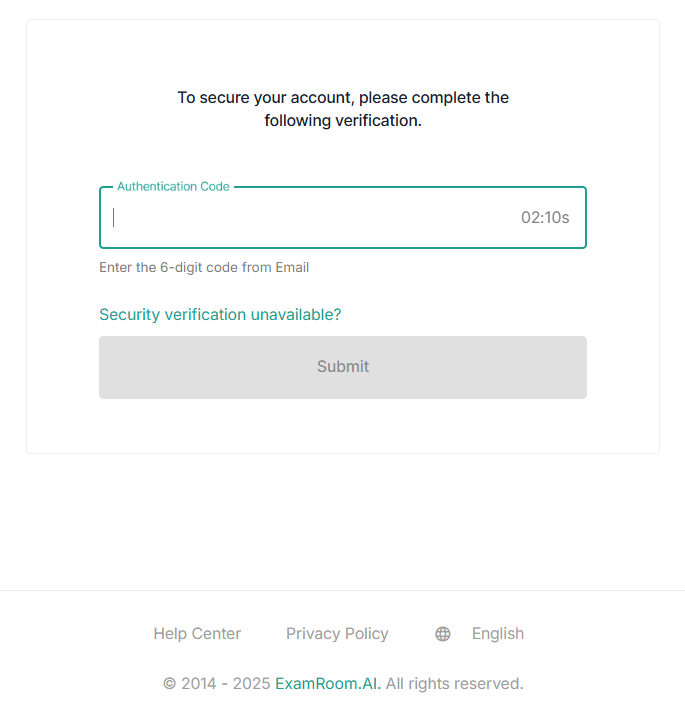
- After logging in, a 6-digit code is sent to your email. Enter the code in the Authentication code field and click Submit to access the console.
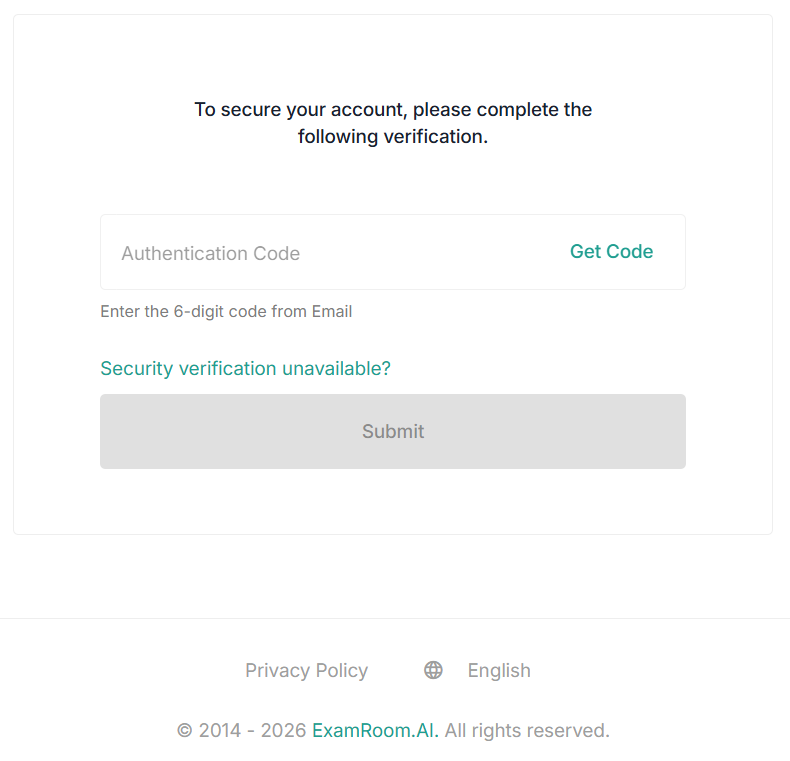
- If you do not receive the code, click Get Code in the authentication code field. The Get Code option becomes available after the cooling period ends. Wait for the countdown timer to finish before requesting a new code.
Note:- If Security Verification is unavailable and requires assistance, please reach out to your administrator for further support.
- This step only applies if enabled by your exam sponsor.