Sign Up
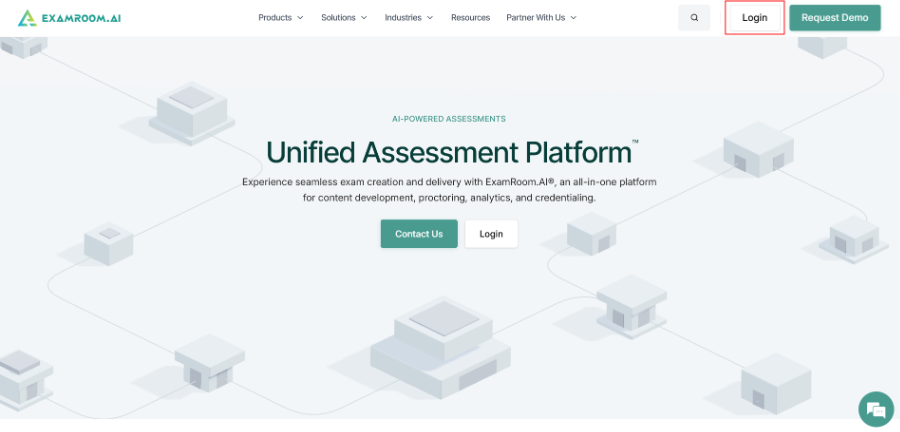
- Visit app.examroom.ai to sign up. You can also go to examroom.ai and click Login in the top-right corner of the page.
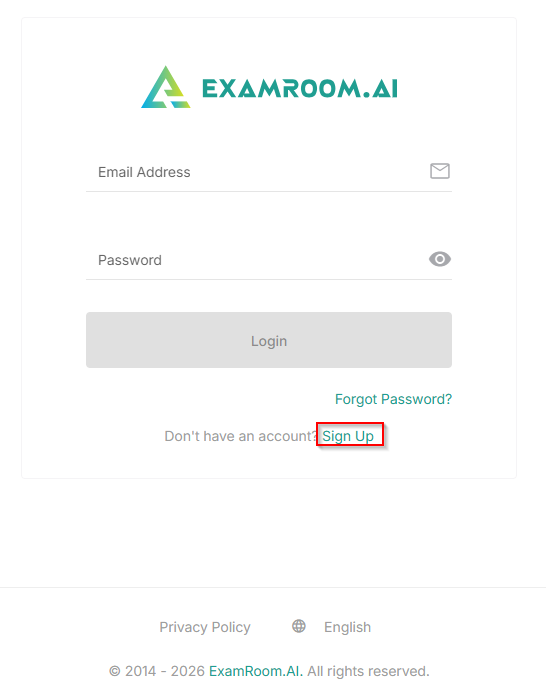
- Click Sign Up to initiate the process of signing up.
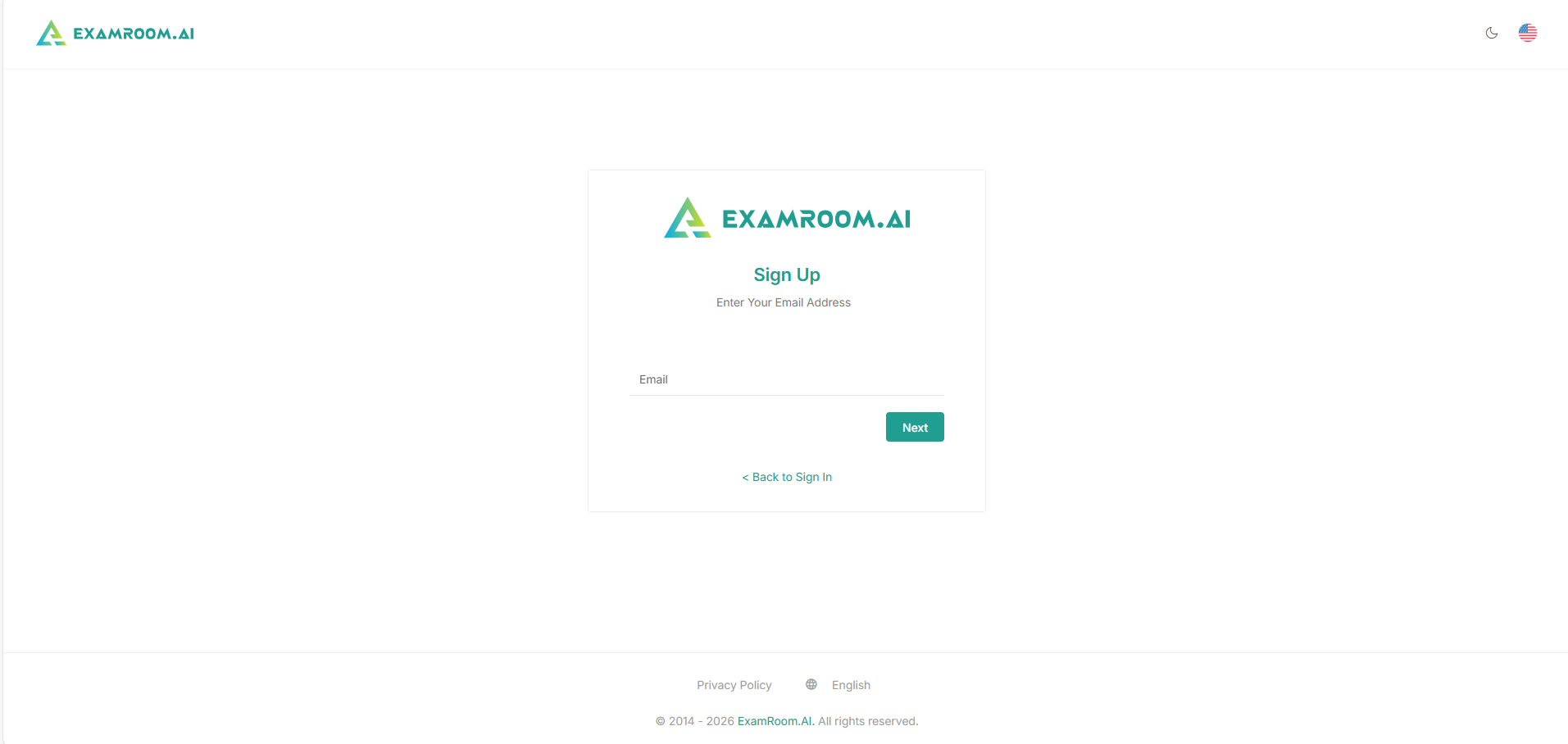
- Enter your email address and click Next.
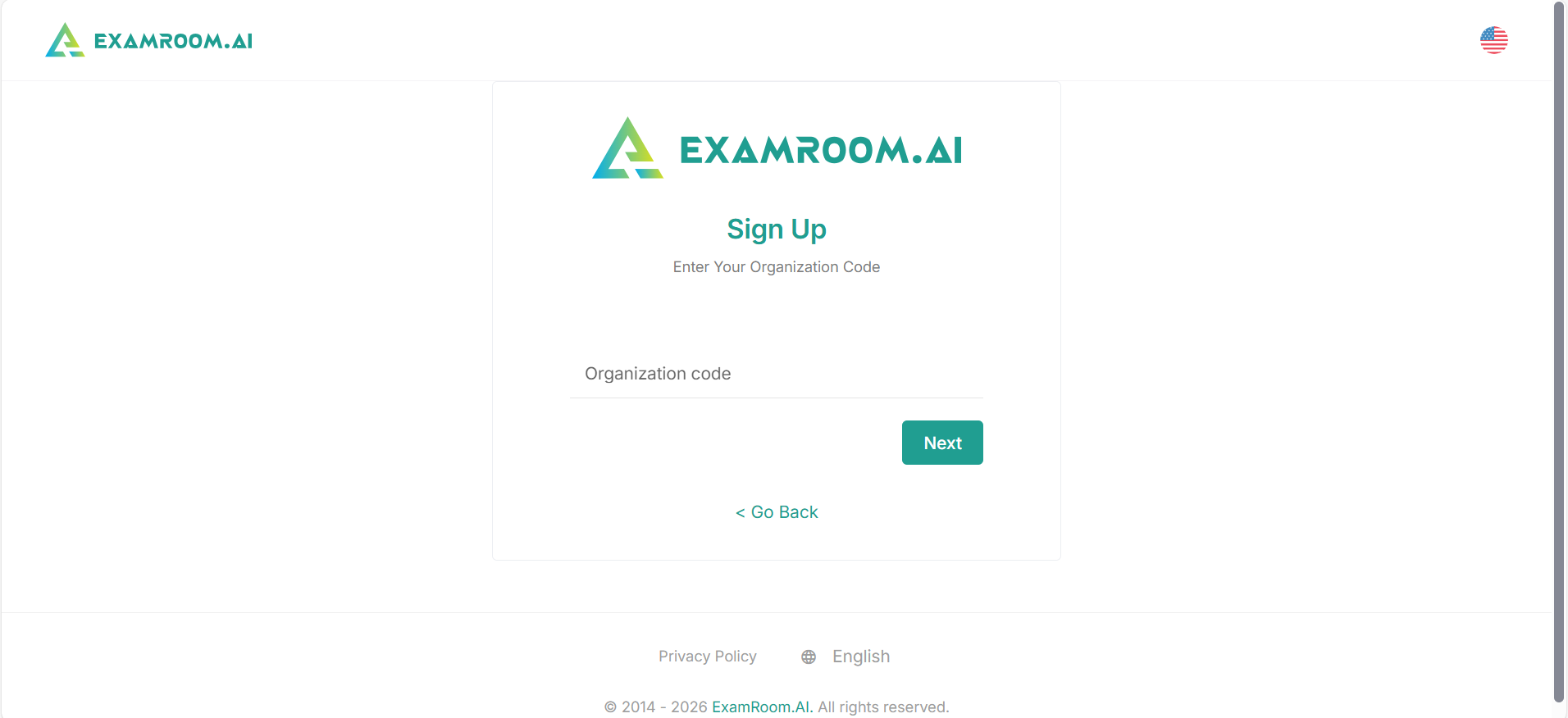
- Enter your Organization Code or Exam Code and click Next. (The Organization code is provided by your exam sponsor)
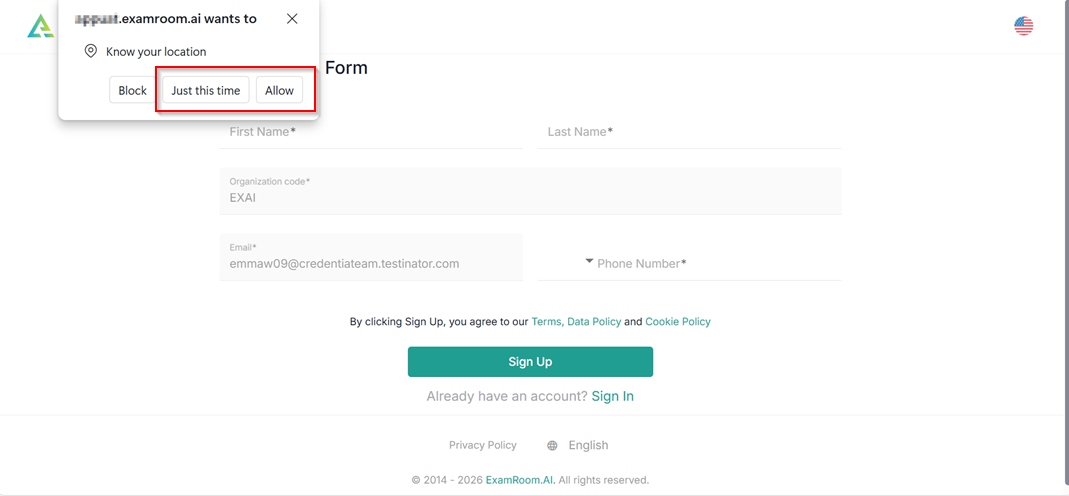
- A pop-up appears on your screen to provide location access. Click Allow to grant access to your location.
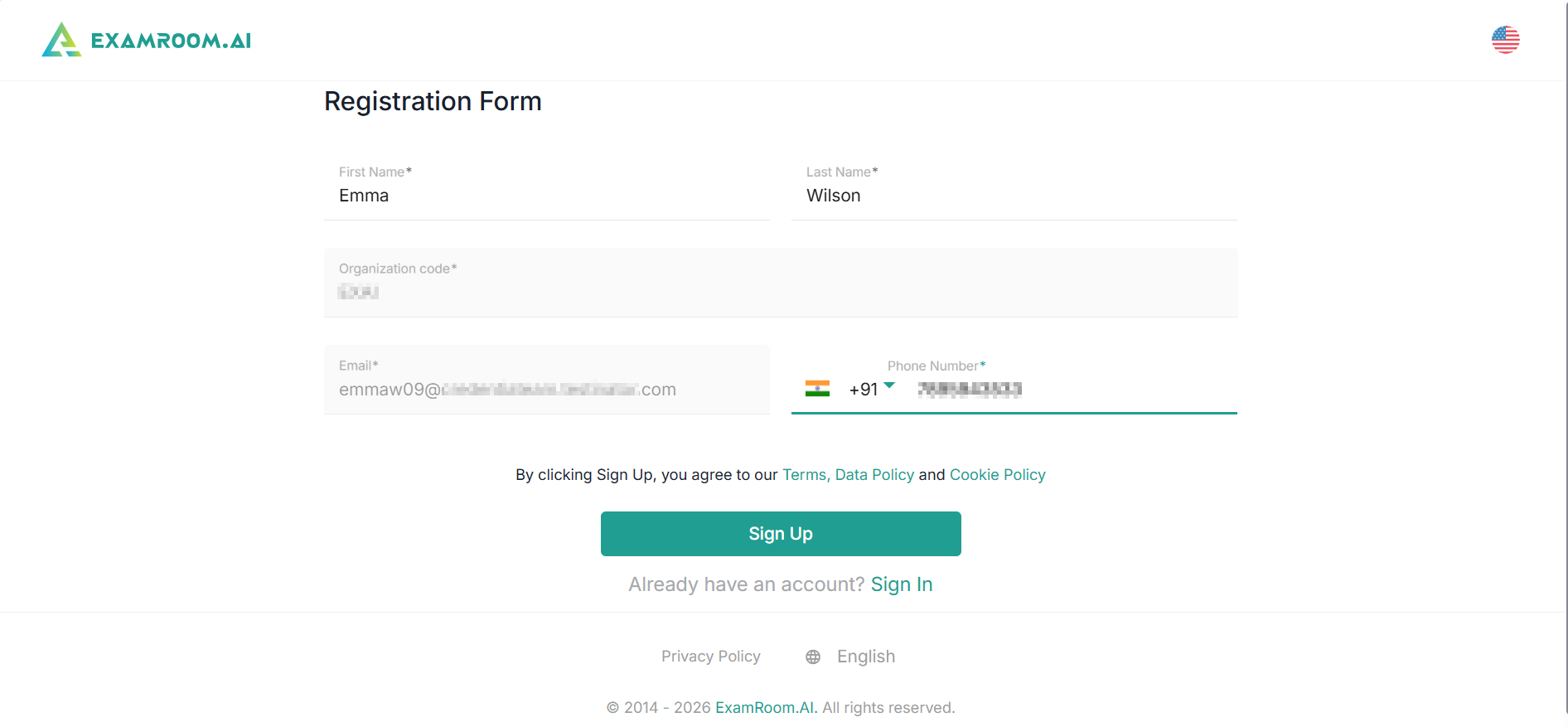
- Fill out the mandatory fields in the registration form and click Sign Up. Your organization/exam code and email address will be auto populated using the details you previously provided.
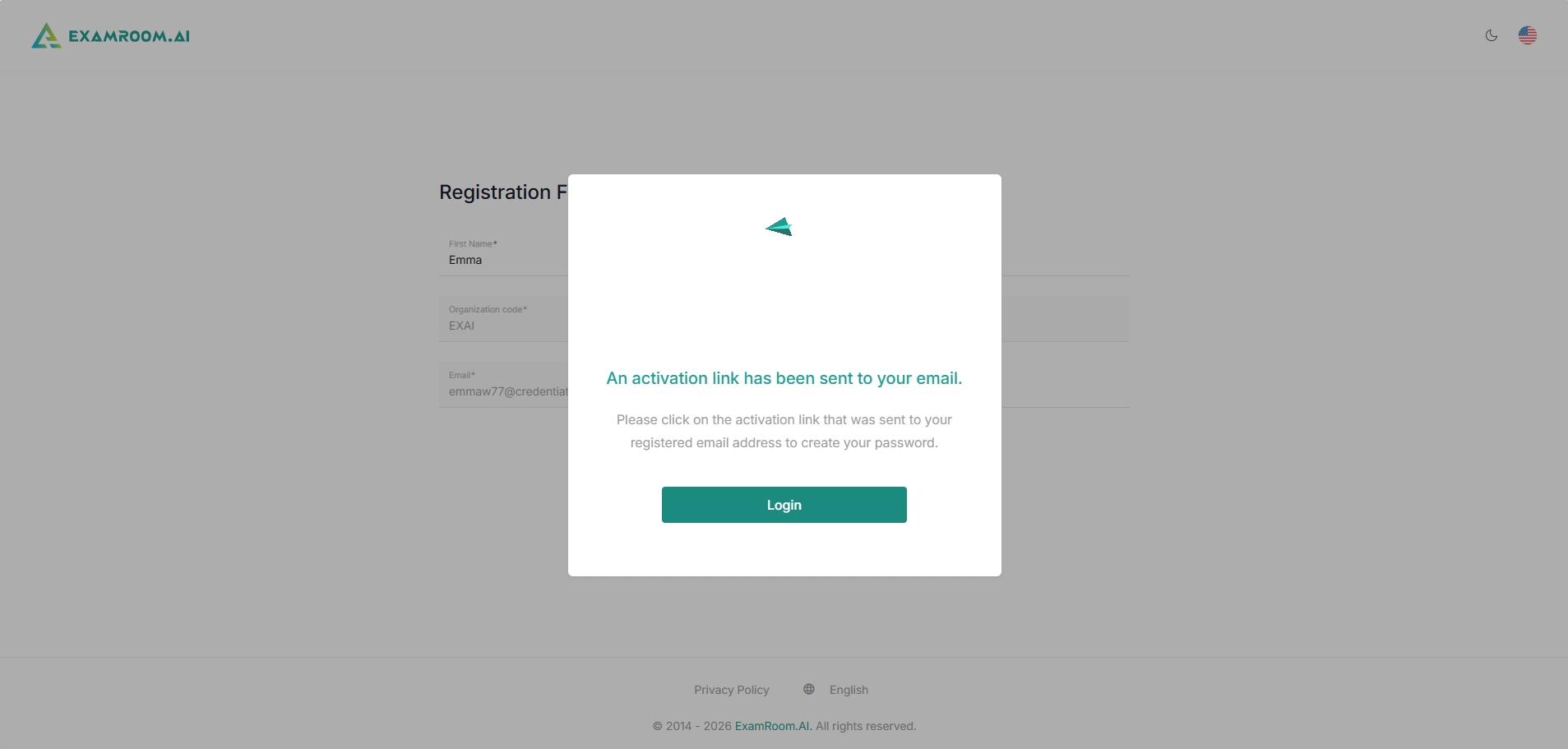
- A dialogue box is displayed mentioning that an activation link will be sent to your email address.
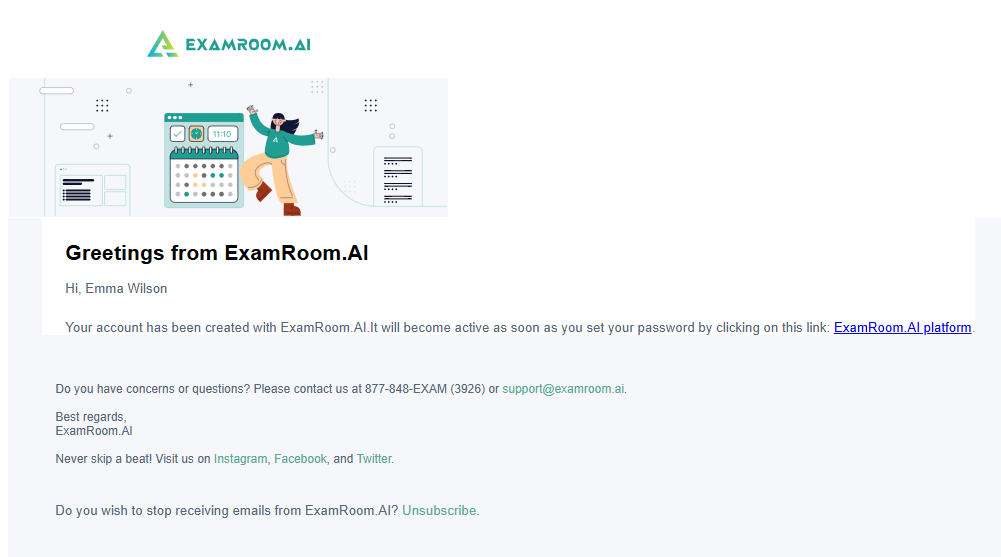
- Check your email inbox and click the provided link to set your password.
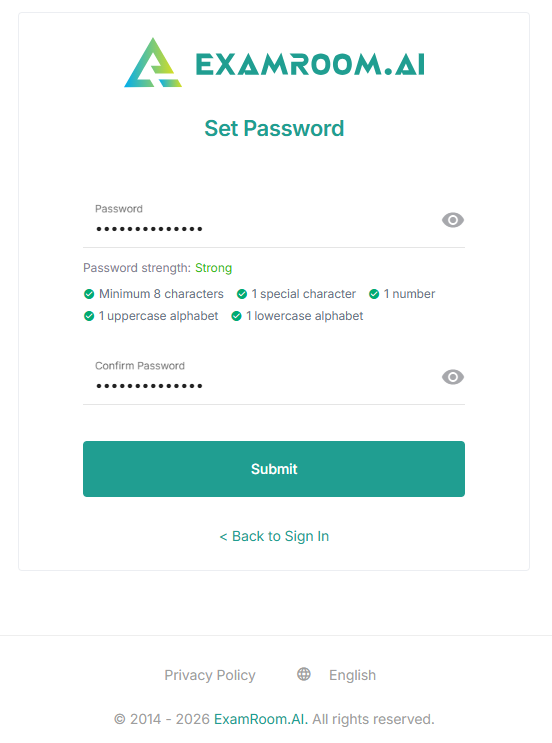
- Set your password, confirm your password, and click Submit.
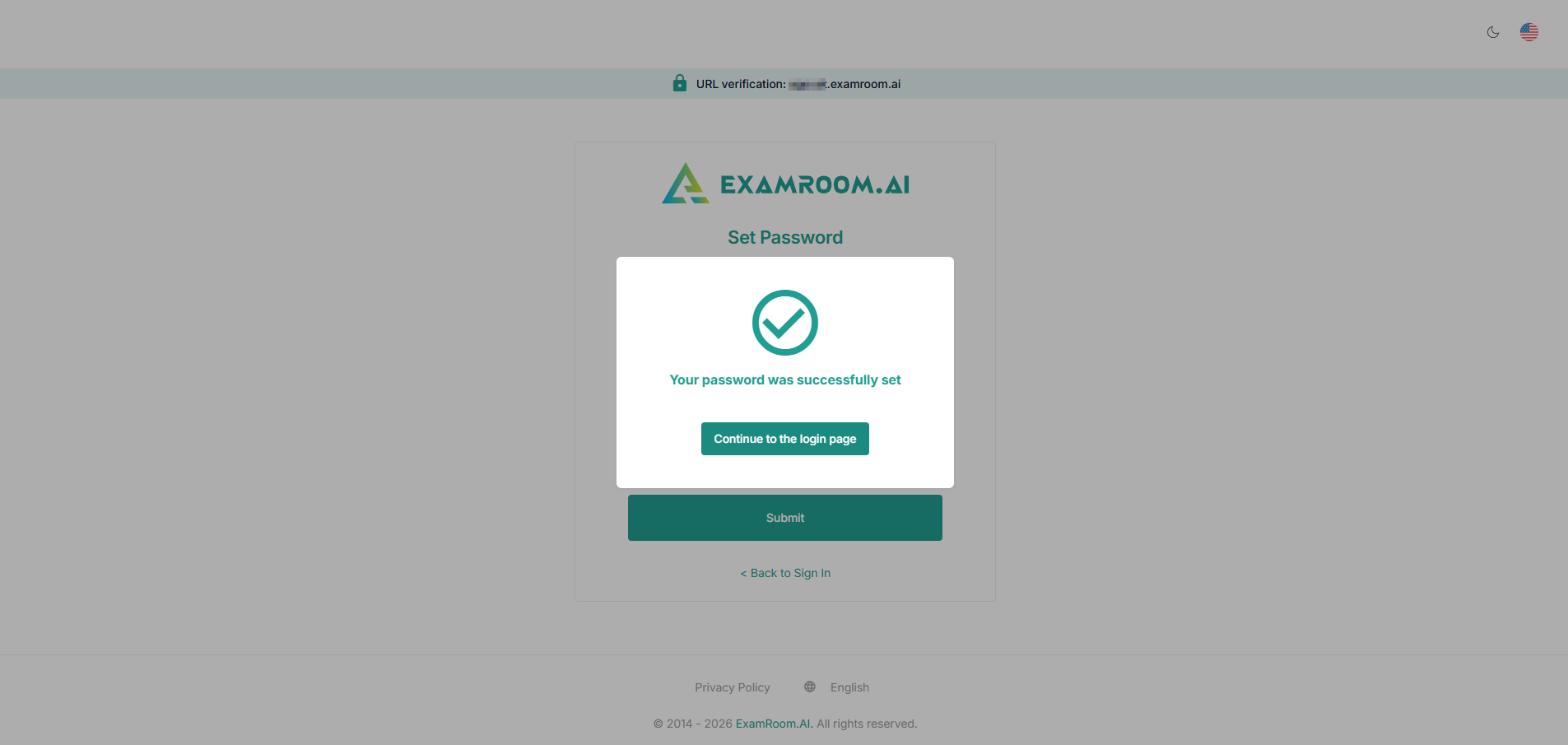
- A pop-up appears, confirming that your password was successfully set. Click Continue to the login page to proceed with login.
Note: If you register using an exam or organization code, your exam section will be automatically pre-filled with the assigned exams, and you can proceed to schedule them. You will also receive an email informing you about the assigned exams.