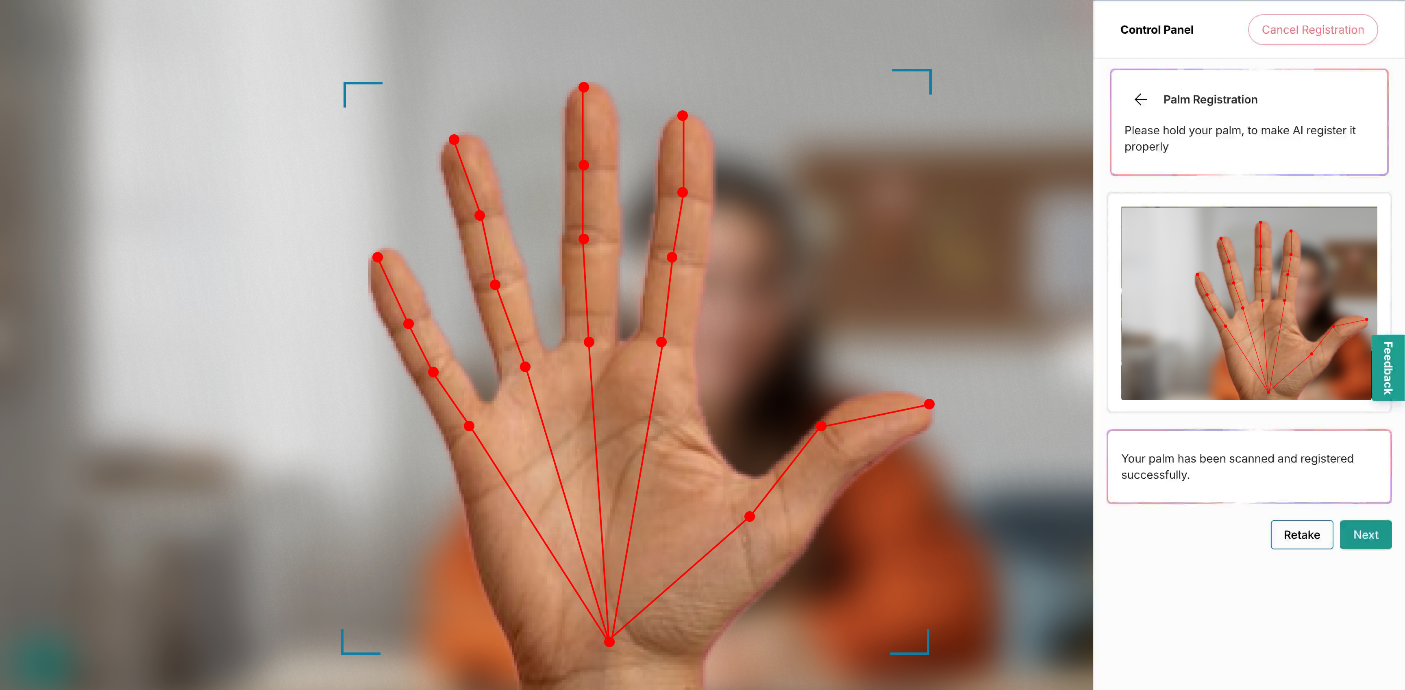
Palm Registration
- Next is palm registration. Click Start to begin the process.
- Note: options shown may not apply to your exam.
- Note: options shown may not apply to your exam.
- On the next screen, select the checkbox and click I agree to provide consent.
- Hold your palm toward the camera, inside the designated marks on the center of the screen to register it.
- When the palm scan appears, review the image in the control panel. If it looks clear, click Next. If it’s blurry or unclear, click Retake to try again.