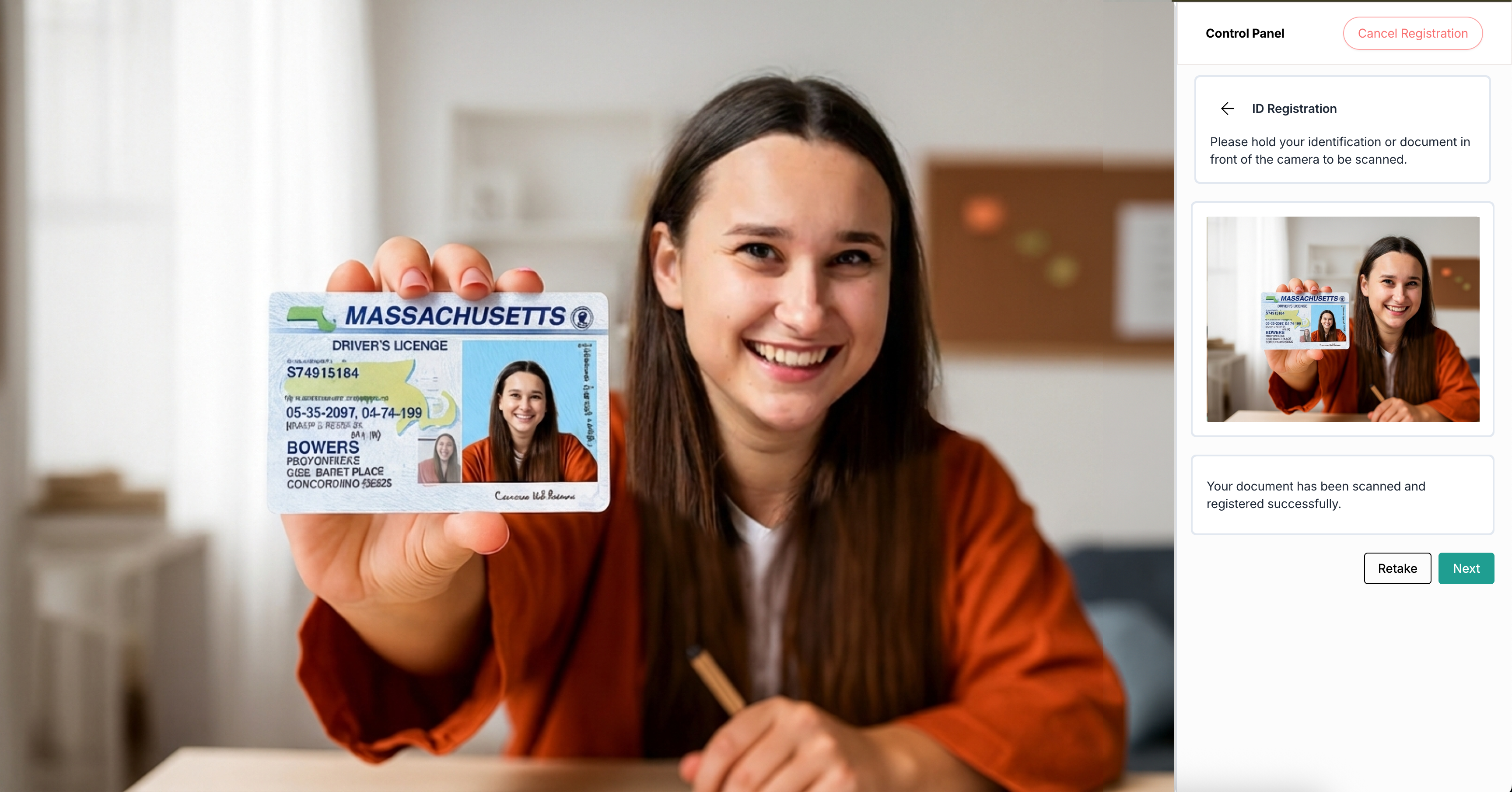
Photo ID
- After you have shared your screen and agreed to the terms and conditions, click Start to begin the ID Registration process.
- On the next screen, to scan the ID card, select the checkbox and click I agree to provide consent.
Note: Go through the ExamRoom Privacy Policy link available in the control panel if you need detailed information. - Hold your photo ID to the computer and click Capture. The screen displays a count of 3,2,1 and captures the image with your ID card.
- Once your information is recognized, look at the image in the right control panel. If it looks correct, click Next. If it’s not clear, click Retake to capture it again.
- For example, Passport: