Next is signature registration. Click Start to begin the process.
Note: options shown may not apply to your exam.
On the next screen, to scan your signature, select the checkbox and click Iagree to provide consent.
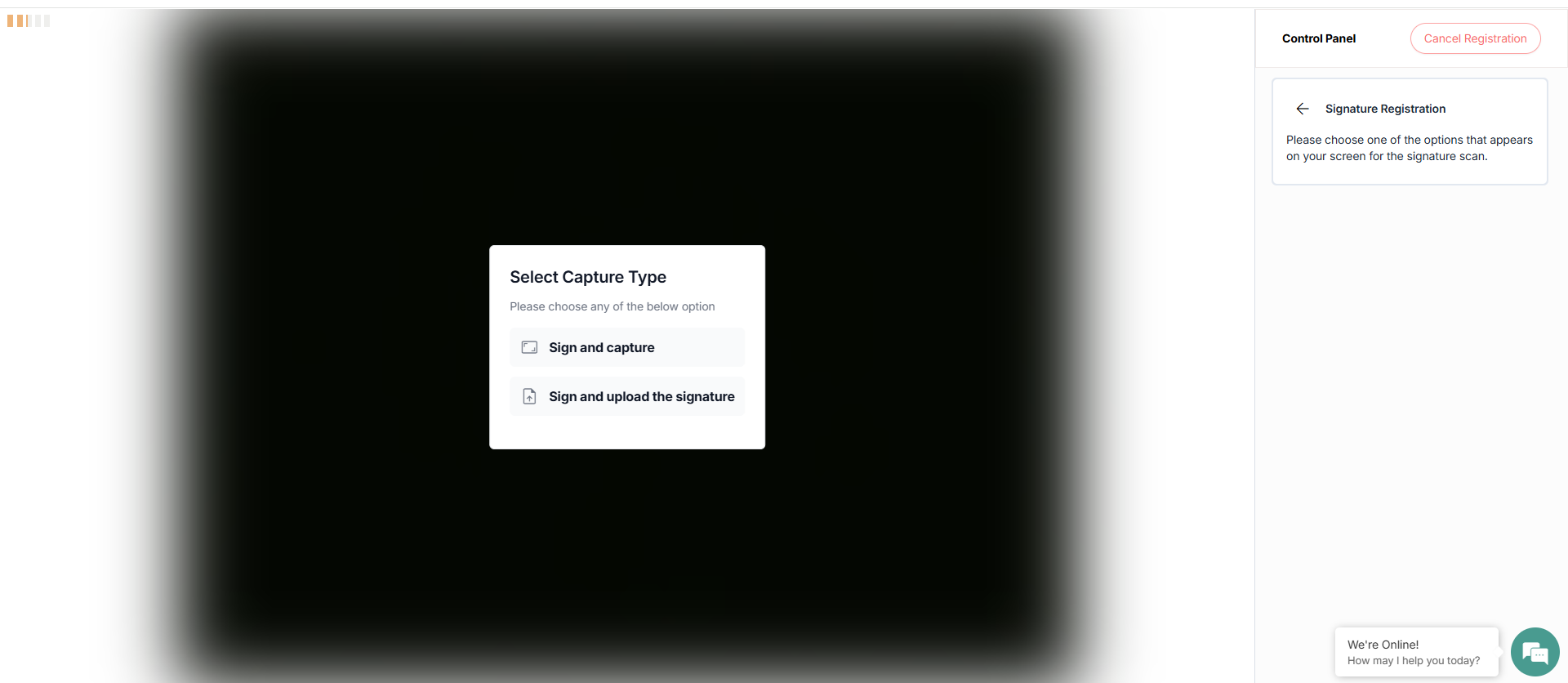
There are two ways to register your signature.
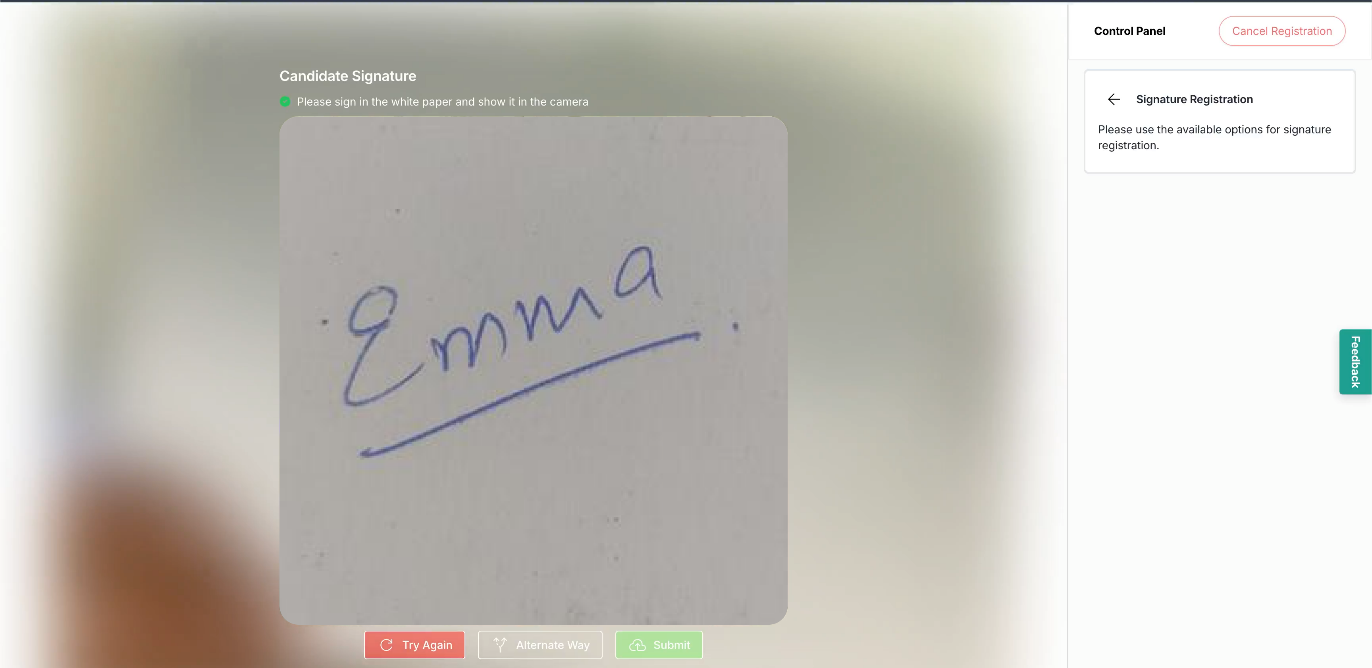
Option1: Sign and Capture. Once you select it, sign on a piece of paper and show it to the camera.
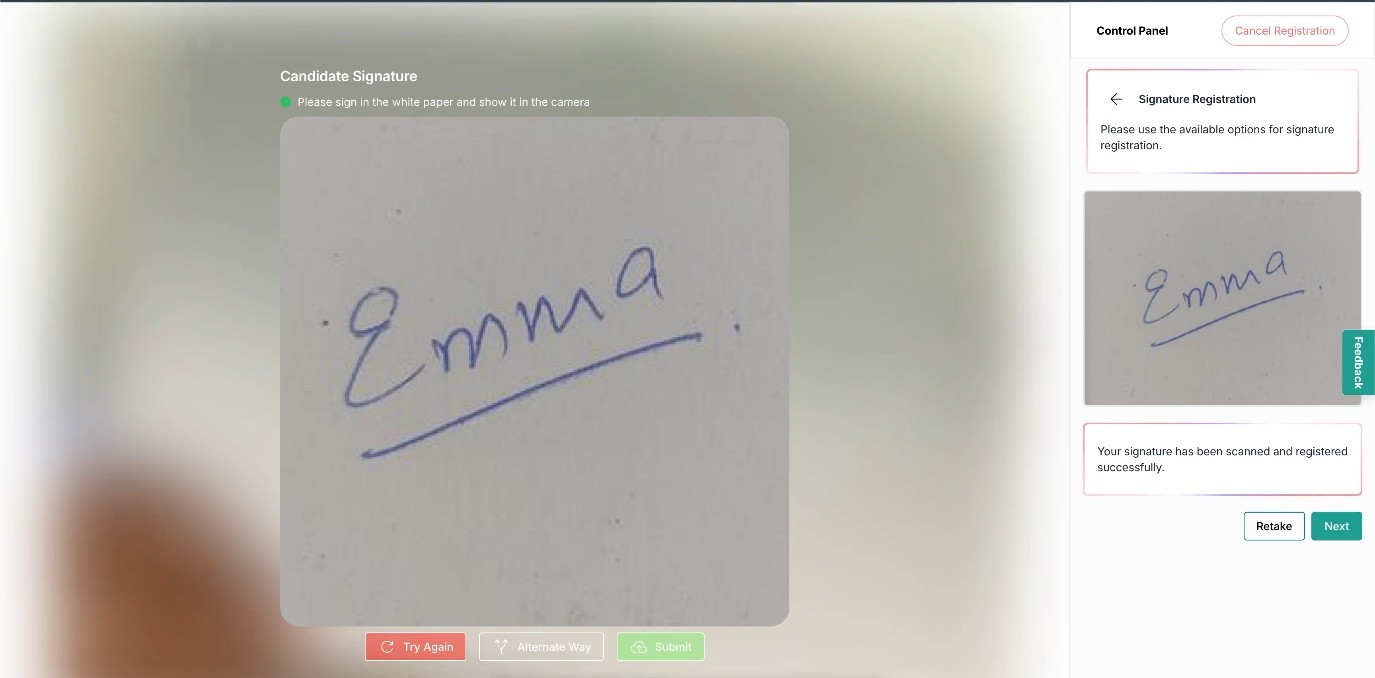
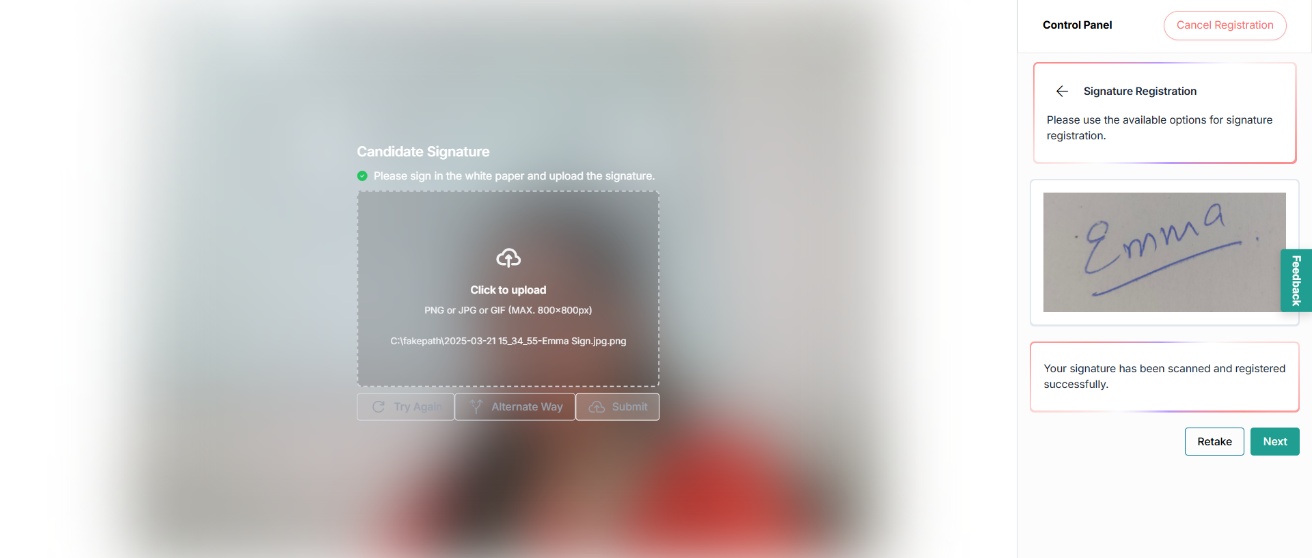
If your signature looks correct, click Next. If not, click TryAgain or Retake. You can also choose another option by clicking AlternateWay on the screen.
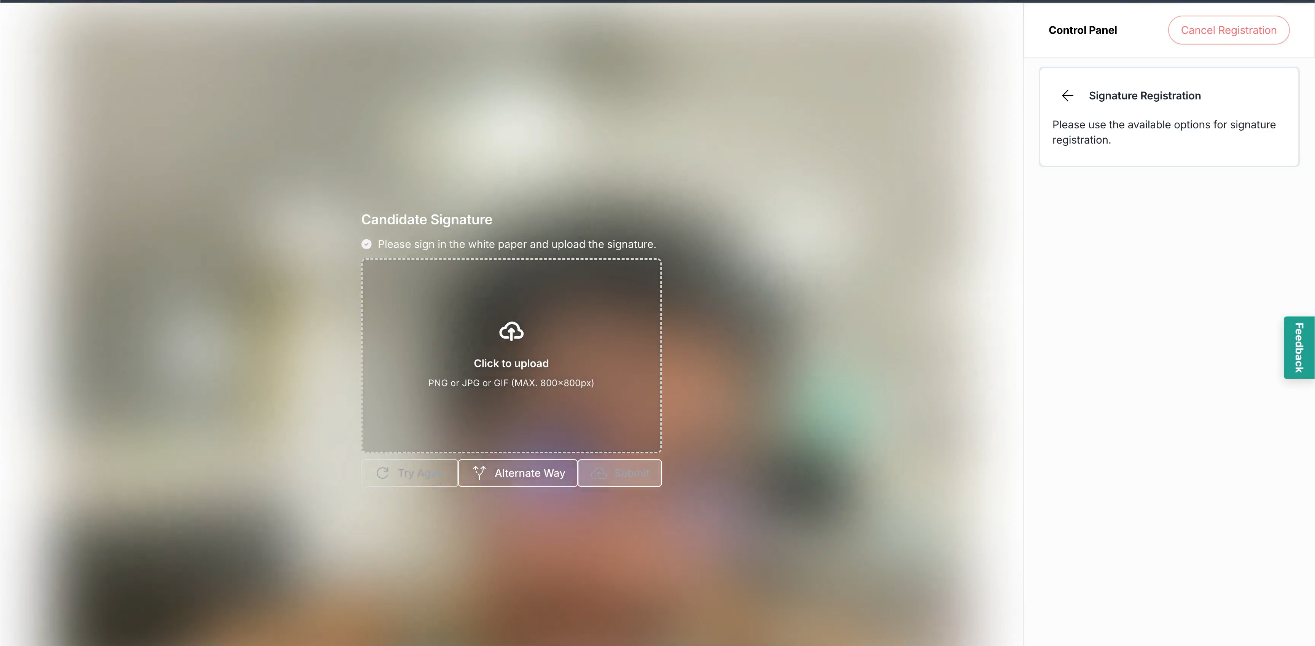
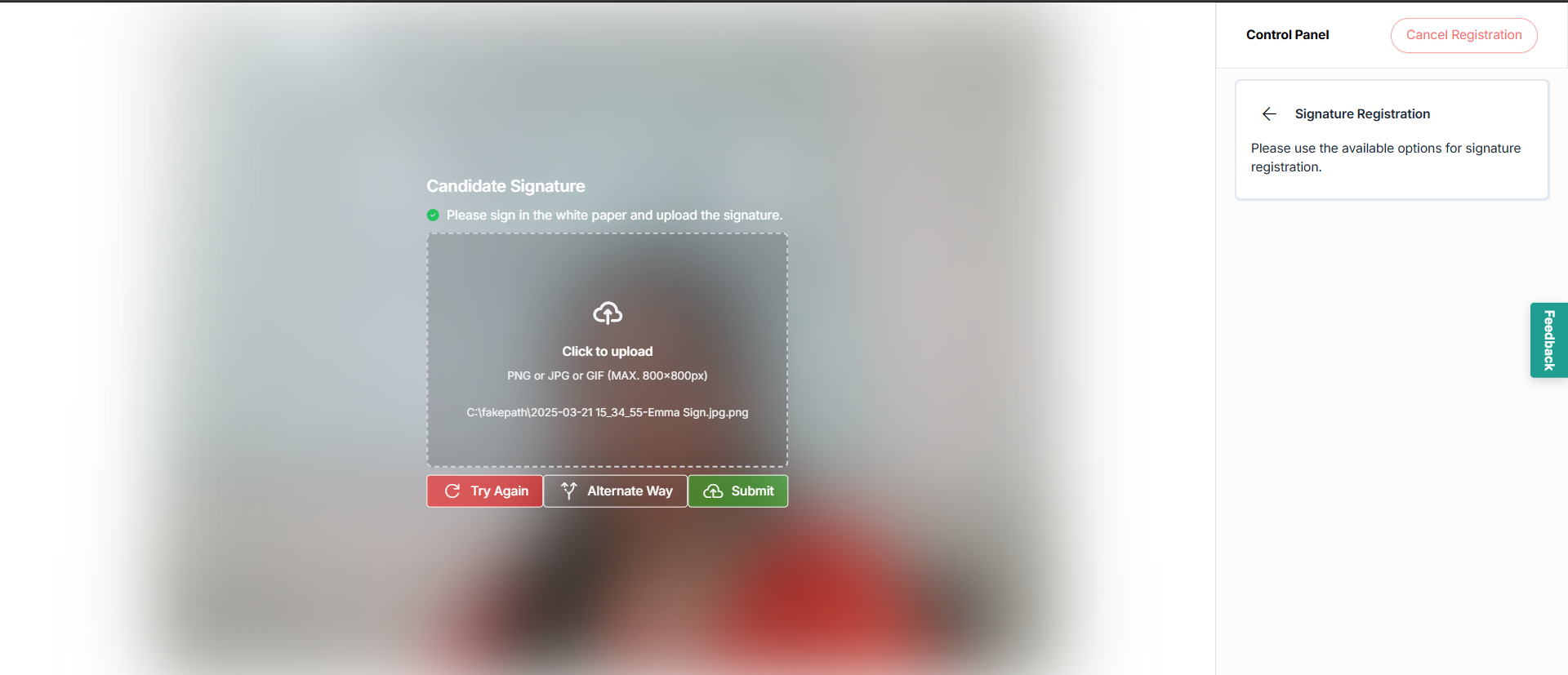
Option2: Sign your name on a white sheet of paper, then upload the image. The acceptable file types are listed on the screen.
Upload the signature file from your device and click Submit.
Once you upload your signature, it will appear in the control panel. If it looks correct, click Next. If not, click Retake to upload it again.
Once the ID, face, voice, palm, and signature registration is complete, the control panel displays the notification of completion. Click ReturntoDashboard to go back to the dashboard.